
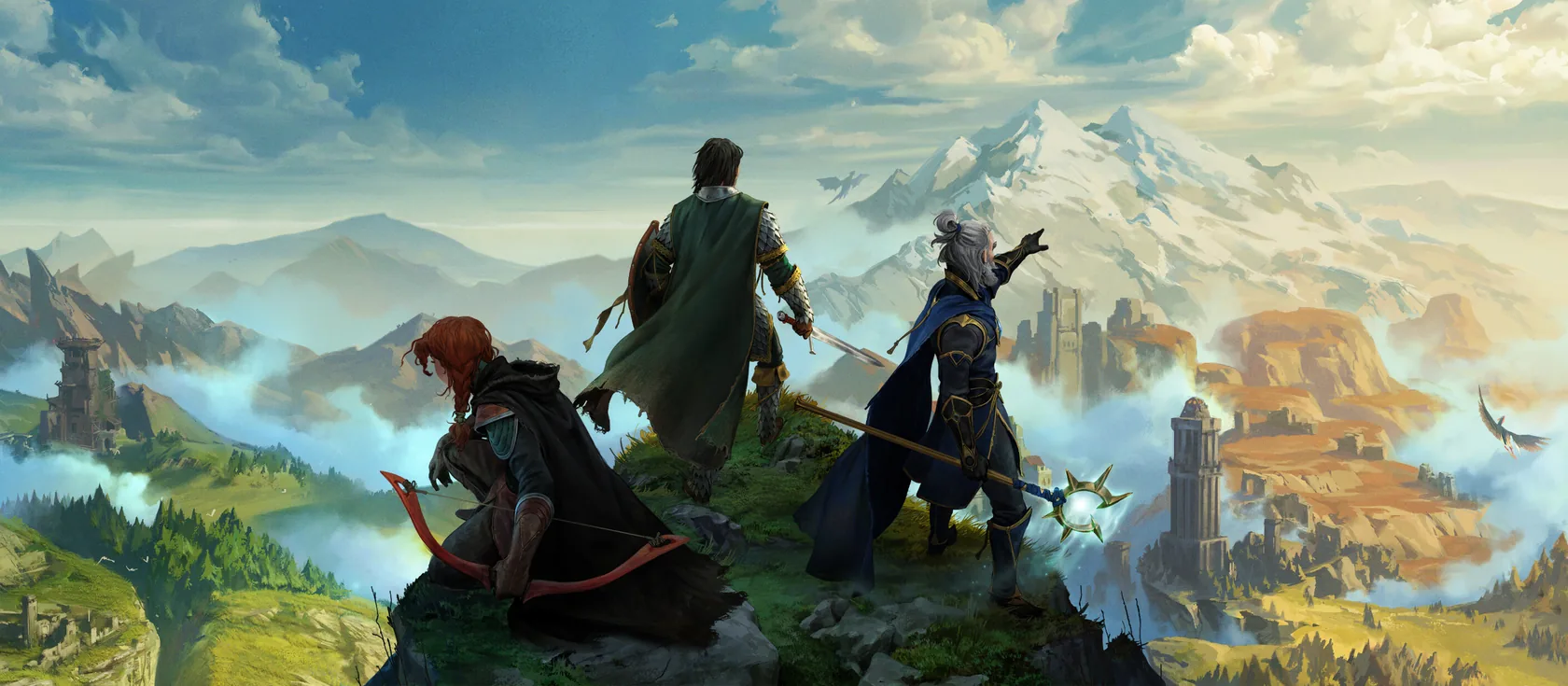
An Enshrouded server keeps your world of Embervale online for up to 16 players, even when you’re not playing. On Wilderack you pick Enshrouded, choose a plan and a name, set passwords for your player groups, and the server is ready in a couple of minutes.
What you need
- Enshrouded on Steam. Every player needs their own copy on PC. The PlayStation 5 version can’t join PC servers, because Enshrouded has no crossplay yet. Keen Games plans an Xbox version for 2027.
- A plan with enough RAM (the server’s memory). Enshrouded needs at least 6 GB. We recommend 8 GB, and more for big groups with large bases. See Enshrouded server performance.
The server program is Keen Games’ Enshrouded Dedicated Server. It installs from Steam, the official source.
Create your server
- Pick Enshrouded as your game.
- Choose a plan and a region. We have EU and US East. Pick the one closest to most of your players.
- Choose a name, like
embervale. It becomes your address,embervale.play.wilderack.com. Names use 3 to 32 characters: lowercase letters, numbers and hyphens. - Set the server name players see in the list. Keep it friendly: everyone can see it.
- Pick a difficulty preset: Default, Relaxed, Hard, Survival or Custom. Default is best for a first playthrough. You can change it later.
Passwords and player groups
Enshrouded has no single server password. Instead, players belong to groups, and each group has its own password and rights. The password a player types when they join decides their group.
| Group | Can do |
|---|---|
| Admin | Everything, including kicking and banning players |
| Friend | Build in bases, open chests and change the world, but not place or upgrade Flame Altars |
| Guest | Explore, fight and dig outside bases, but can’t build in bases or open chests |
| Visitor | Explore and fight only. Can’t change bases, chests or the world |
Open Settings to see and change each group’s password. Give every group its own password that’s hard to guess.
For custom groups and every permission, read Enshrouded roles and permissions.
The first start
Starting the server for the first time usually takes under two minutes. Open Console to watch. When the log shows [Session] 'HostOnline' (up)!, the server is ready for players.
Your address and port are on the address card on Overview. They look like embervale.play.wilderack.com:31207. The port is picked for your server, so use the one on your card.
Join your server
In Enshrouded, open Join and search by address, or add the server to your Steam favourites. When it asks for a password, use the Admin password for yourself. The steps are in how to connect to your Enshrouded server.
Make yourself admin
There’s no admin list to fill in. Join with the Admin group’s password and you have admin rights: kicking, banning and full building rights.
Keep the Admin password to yourself and the friends you trust most. Everyone else gets the Friend or Guest password.
Invite friends
To play: send your friends the address and port from the address card, and the password for the group they should be in. The How to join card on Overview has the steps.
To help run it: open Friends and create an invite link with a role. These roles are for the panel (starting the server, changing settings, backups). They’re separate from the groups inside the game.
Sleeping and waking
Your server naps when nobody’s playing, so you aren’t paying for an empty server to sit awake. Before it sleeps, it saves your world. Joining wakes it, usually in a couple of seconds.
A sleeping server drops out of the game’s server list, but it stays in your Steam favourites. If a friend can’t get in, they open your wake link, play.wilderack.com/w/embervale, wait a few seconds, then join.
To keep the server awake all the time, change the mode in Settings > Sleep.
What to read next
Questions
How many players can join an Enshrouded server?
Up to 16 on PC. You set the number of slots with slotCount, from 1 to 16.
Can PS5 players join my Enshrouded server?
Not yet. Enshrouded has no crossplay, so PlayStation 5 players can't join a PC server. Keen Games says it is working on crossplay but has no date. The Xbox version is planned for 2027.
Do I lose my character if I play on a server?
No. Enshrouded keeps your character on your own PC, with its gear, level and skills, and brings it to any world you join. The server keeps the world.
How do I become admin on my Enshrouded server?
Join with the password of the Admin group. Each group in enshrouded_server.json has its own password, and the password you type when you join decides your rights. You find the passwords in Settings.
Sources we checked
- Dedicated Server ConfigurationKeen Games
- Server Roles ConfigurationKeen Games
- Dedicated Server FAQKeen Games
- Frequently Asked QuestionsKeen Games
