
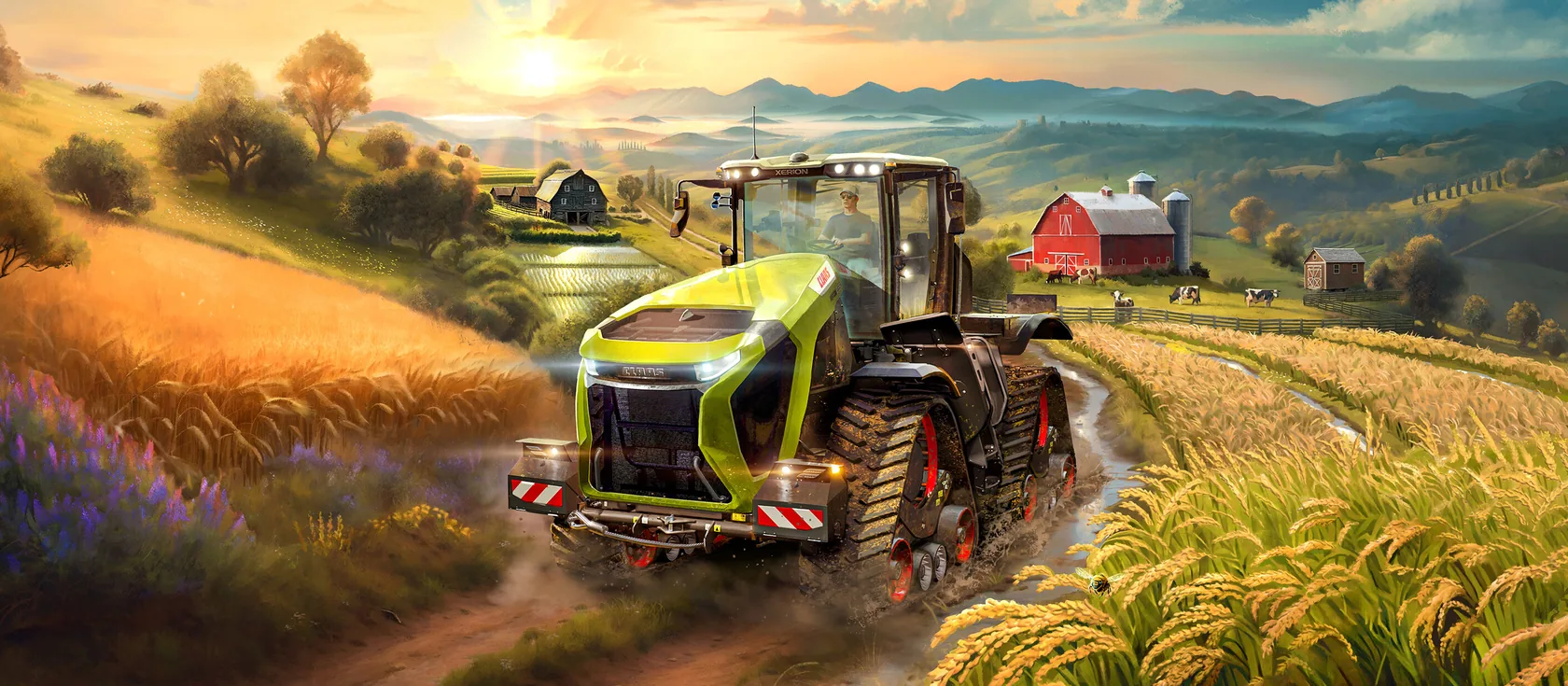
Farming Simulator 25 servers are coming soon
Every Farming Simulator 25 server needs its own game licence, and GIANTS only allows commercial servers through its hosting partners. FS25 opens on Wilderack once GIANTS approves us as a hosting partner. These guides are ready for the day we open.
Farming Simulator 25 mods are .zip files that add machines, buildings, maps and features. The best place to get them is ModHub, GIANTS’ own mod site at farming-simulator.com/mods, where every mod is tested before it’s published. Put mods in the server’s mods folder, turn them on for your savegame and restart. Players get the same mods when they join.
Where mods come from
- ModHub (
farming-simulator.com/mods, or the ModHub menu inside the game). GIANTS tests each mod before it’s published, and ModHub mods are the only ones console players can use. - Other sites. Modders also share mods on their own pages. These aren’t checked by GIANTS. Only use makers you trust, and never run a mod from a site that asks you to install a program.
GIANTS doesn’t give support for mods, since fans make them. For help with a specific mod, ask its maker or the GIANTS community forum.
Install from Mods
The Mods tab lets you search ModHub and install with one tap:
- Open Mods and search for the mod by name.
- Choose install. The panel makes a backup first.
- Turn the mod on for your savegame if it asks.
- Restart the server to load it.
Mods never update on their own. The Mods tab shows when updates are available, and makes a backup before it updates.
Install by hand
You can also upload any mod .zip yourself, through Files or with SFTP (works with FileZilla).
- Download the mod. It’s a
.zipfile. - Don’t unzip it, and don’t rename it. The game reads the zip as it is, and the file name is part of how it recognises the mod.
- Stop the server.
- Upload the
.zipinto the server’smodsfolder. - Turn the mod on for your savegame, in Mods or in GIANTS’ web interface.
- Start the server.
If a download from another site contains a .zip inside a .zip, upload the inner one.
What friends need
Everyone on the server needs the same mods, at the same version. When a player joins a server with mods they don’t have, the game offers to download them before they load in. Big mods take a while the first time.
DLC works differently. A DLC can’t be downloaded from the server, so every player must own each DLC the server uses. If a friend is missing one, they can’t join until they buy it, or until you take it off the server.
Mods and crossplay
PlayStation and Xbox players can only join a server when every mod on it is available to consoles on ModHub. GIANTS checks console mods more strictly: for example, they can’t contain extra Lua scripts. Some mods come in a separate crossplay version for that reason.
If you want console friends to join:
- Use only ModHub mods that are also on console ModHub.
- Pick the crossplay version of a mod when there is one.
- Avoid script mods from other sites.
Mod maps
A map is chosen when a savegame is created. To play a mod map:
- Upload the map like any other mod.
- In Settings, pick the map and start a new savegame on it.
- Restart the server.
Your old farm stays in its own savegame slot and in your backups. Large mod maps need more RAM. See the performance guide.
After a game update
GIANTS updates Farming Simulator 25 every few months. After an update:
- Players and the server must be on the same game version, or they can’t play together.
- Most mods keep working, but some need an update from their maker. Check the Console for mod errors after the first start.
- If the server won’t load after an update, remove the newest or largest mods one at a time to find the problem. A backup was made before the update, so you can always go back.
Questions
Where do Farming Simulator 25 server mods go?
In the server's mods folder, each mod as its own .zip file. Don't unzip or rename them. Then turn the mod on for your savegame and restart the server.
Do players need to download mods to join an FS25 server?
They need the same mods, but the game offers to download missing ones when they join. They also need to own any DLC the server uses, which can't be downloaded from the server.
Can I add a mod map to an existing Farming Simulator 25 farm?
No. The map is chosen when a savegame is created. To play a mod map, upload it, then start a new savegame on it.
Are mods on Farming Simulator 25 servers safe?
Mods on GIANTS' ModHub are tested by GIANTS before they're published. Mods from other sites aren't checked, so stick to ModHub or makers you trust.
Sources we checked
- ModHub for Farming Simulator 25GIANTS Software
- ModHub guidelines for Farming Simulator 25GIANTS Software
- Farming Simulator support and FAQ (mods)GIANTS Software
- Farming Simulator 25 changelogGIANTS Software
